Best Shopify UX Fixes for Higher Sales
By Emma Pugsley, Co-founder ·

Shopify gives you a fast, reliable store out of the box, but “works” and “converts” are two different things. The default theme experience leaves a lot of revenue on the table, and the gap is almost always in the user experience: how easily a shopper can find, trust, and buy what they came for.
Here are the highest-impact Shopify UX fixes for SMB stores, in the order they pay off.
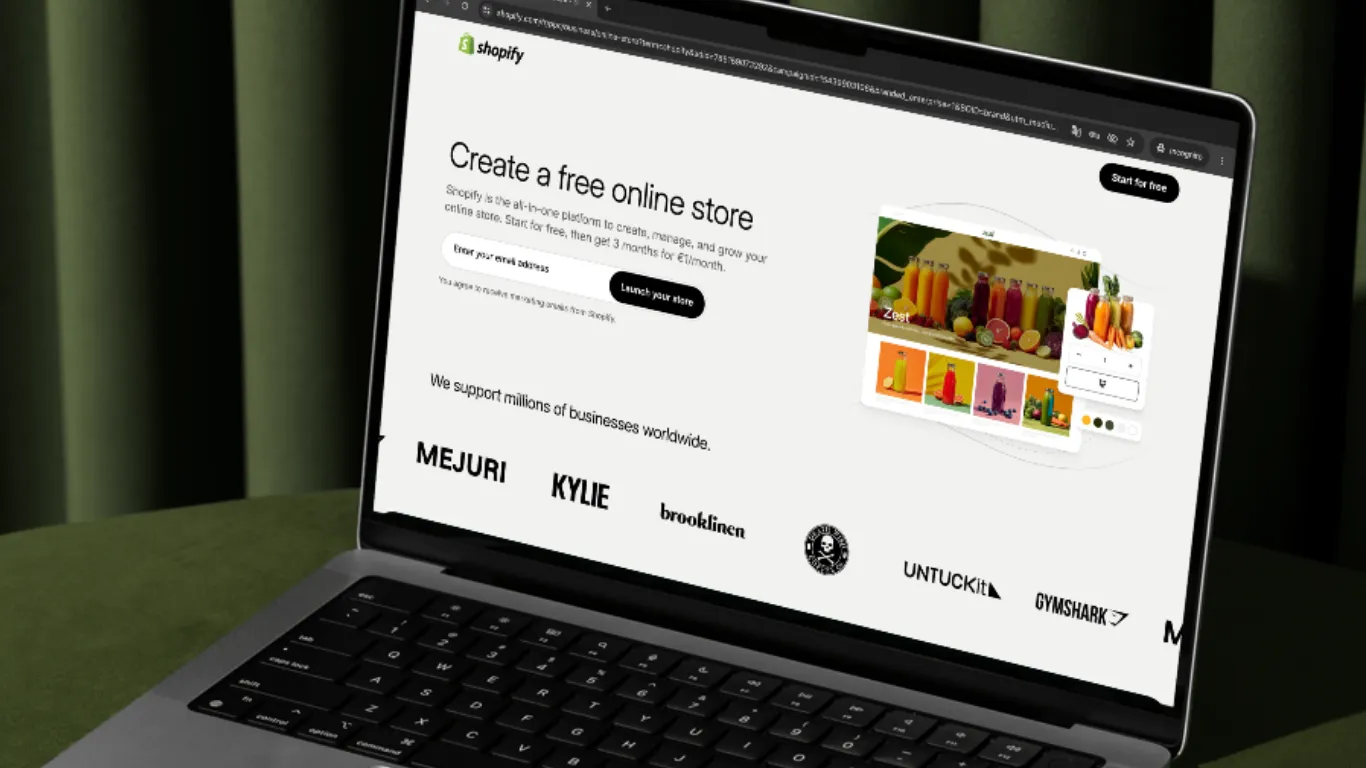
1. Strip the navigation out of checkout
A shopper who reaches checkout has already decided to buy; every navigation link at that point is an escape route. In one test, removing the header navigation from checkout, adding a progress indicator, and placing trust badges near the CTA cut checkout abandonment by 11% and lifted desktop conversion by 16.23%. Keep only your logo and a support link on checkout pages.
2. Add a smart sticky Add to Cart bar on mobile
Anchor it to the bottom of the screen, not the top (thumbs reach down more naturally) and include the price and variant selection. Make it appear only after the shopper scrolls past the original button, so it never feels pushy.
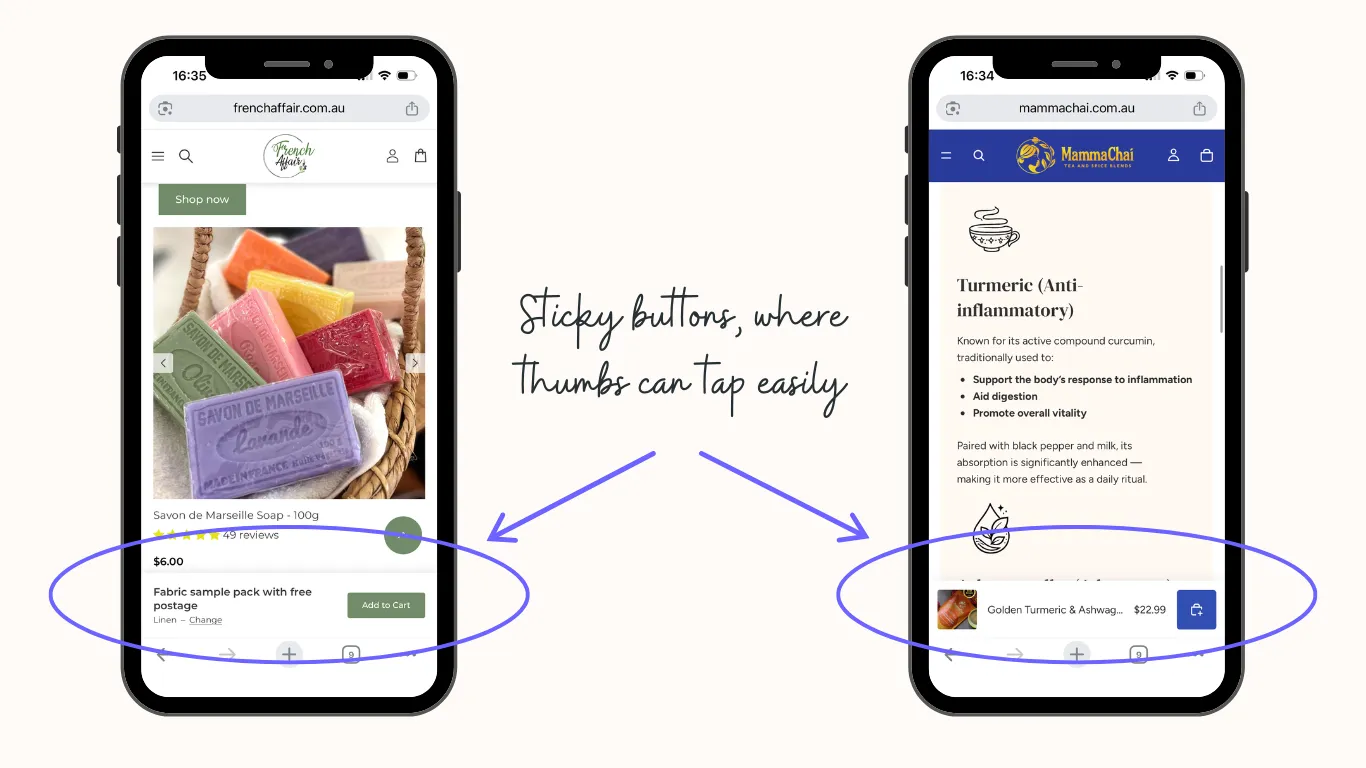 See examples of good sticky add to cart bars on French Affair and Mamma Chai
3. Make navigation labels match how people search
Generic menus like “Shop” or “Products” force shoppers to guess. Use category labels that mirror the language customers actually use, and keep your main menu shallow. Most users won’t dig three levels deep to find a product.
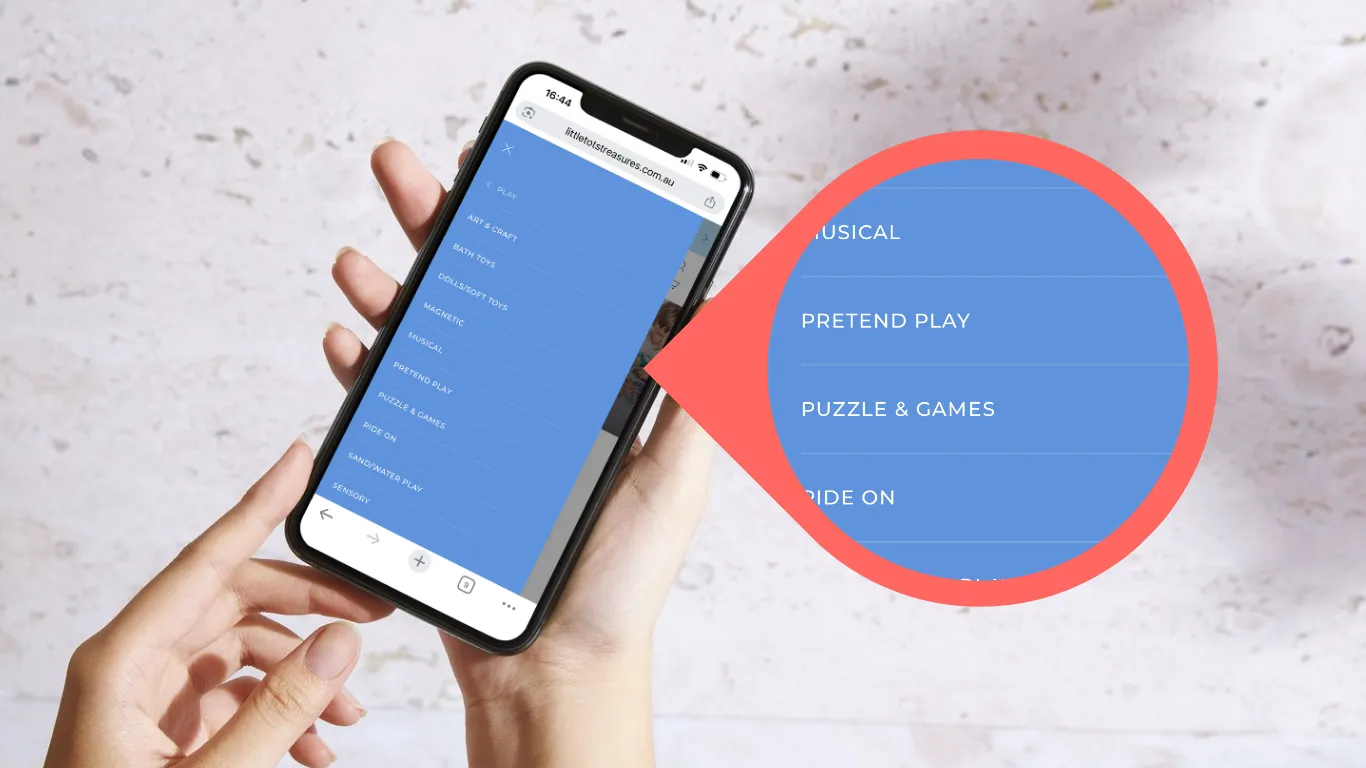 See examples of recognisable navigation labels on Little Tots Treasures
4. Fix the homepage hero
Your homepage has seconds to communicate what you sell and who it’s for. A vague hero image with no clear value proposition or call to action is one of the most common Shopify mistakes. Lead with a clear statement of what you offer and a single primary action.
5. Prioritise mobile as the primary layout
The majority of Shopify traffic is mobile, yet many stores still design desktop-first. Use large tap targets, readable type without zooming, and a one-thumb-friendly layout. Test every key flow on an actual phone, not the builder or a shrunk browser window.
6. Save cart state across sessions
Mobile shoppers get interrupted constantly. If their cart empties when they come back, you’ve lost the sale. Persist cart contents across sessions and devices so shoppers can resume where they left off.
7. Speed up the store
Slow load times bleed conversions, and Shopify stores often carry too many apps injecting scripts. Audit and remove unused apps, compress images to WebP, and keep your theme lean. Speed is a UX feature, not a technical afterthought.
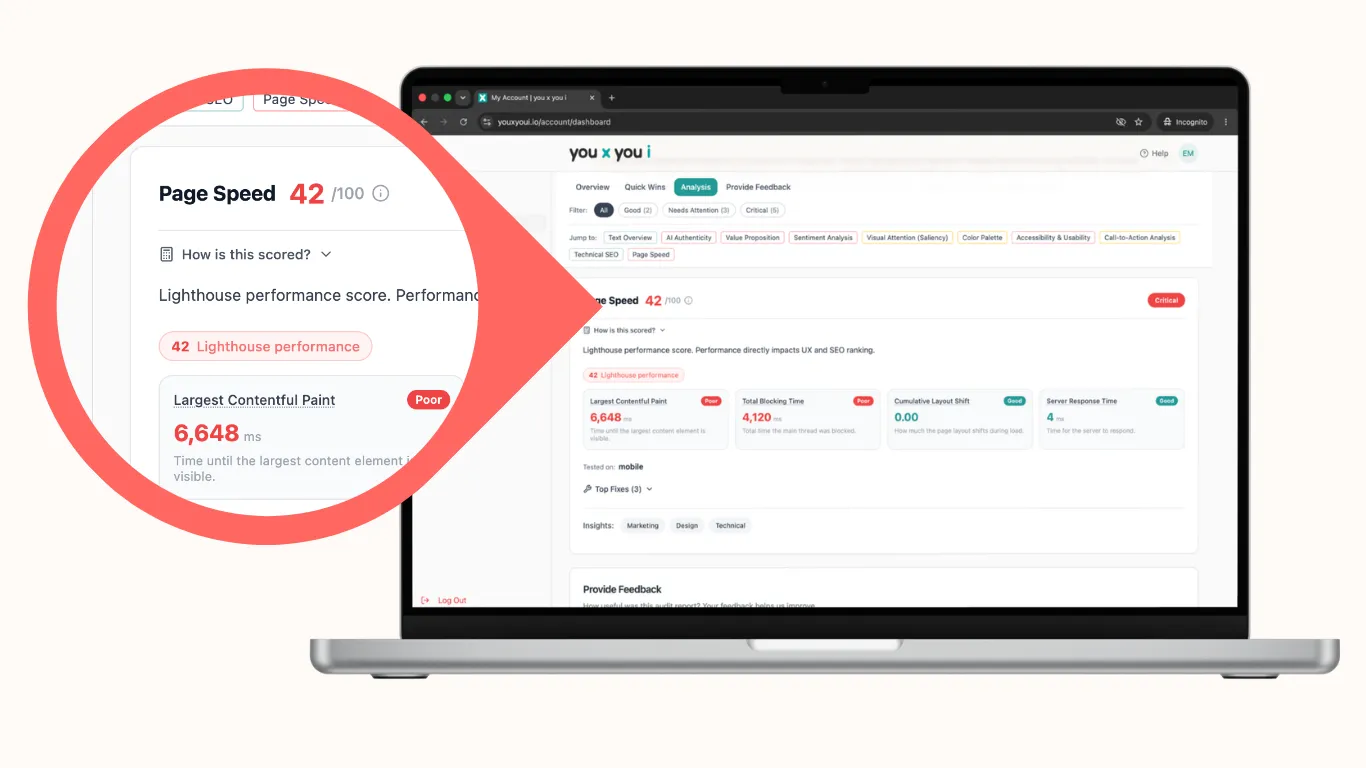
Test your speed with an audit from you x you i, and if it needs fixing, we’ll tell you how.
8. Offer guest checkout
Forcing account creation before purchase is one of the biggest avoidable points of friction. Let shoppers buy as guests and invite them to create an account after the order is placed.
9. Show progress and order summary in checkout
A visible progress indicator tells shoppers how many steps remain, and keeping the order summary visible (with an edit option) reduces second-guessing. For returning shoppers, pre-select the payment method they used last time.
10. Show trust signals where hesitation happens
Place payment and security badges precisely where hesitating eyes land, near the CTA and order summary. Trust signals at the point of payment neutralise the last reason to hesitate.
11. Make search actually work
If you sell more than a handful of products, on-site search is a primary navigation tool. Add autocomplete, handle typos and synonyms, and make sure “no results” pages suggest alternatives rather than a dead end to the journey.
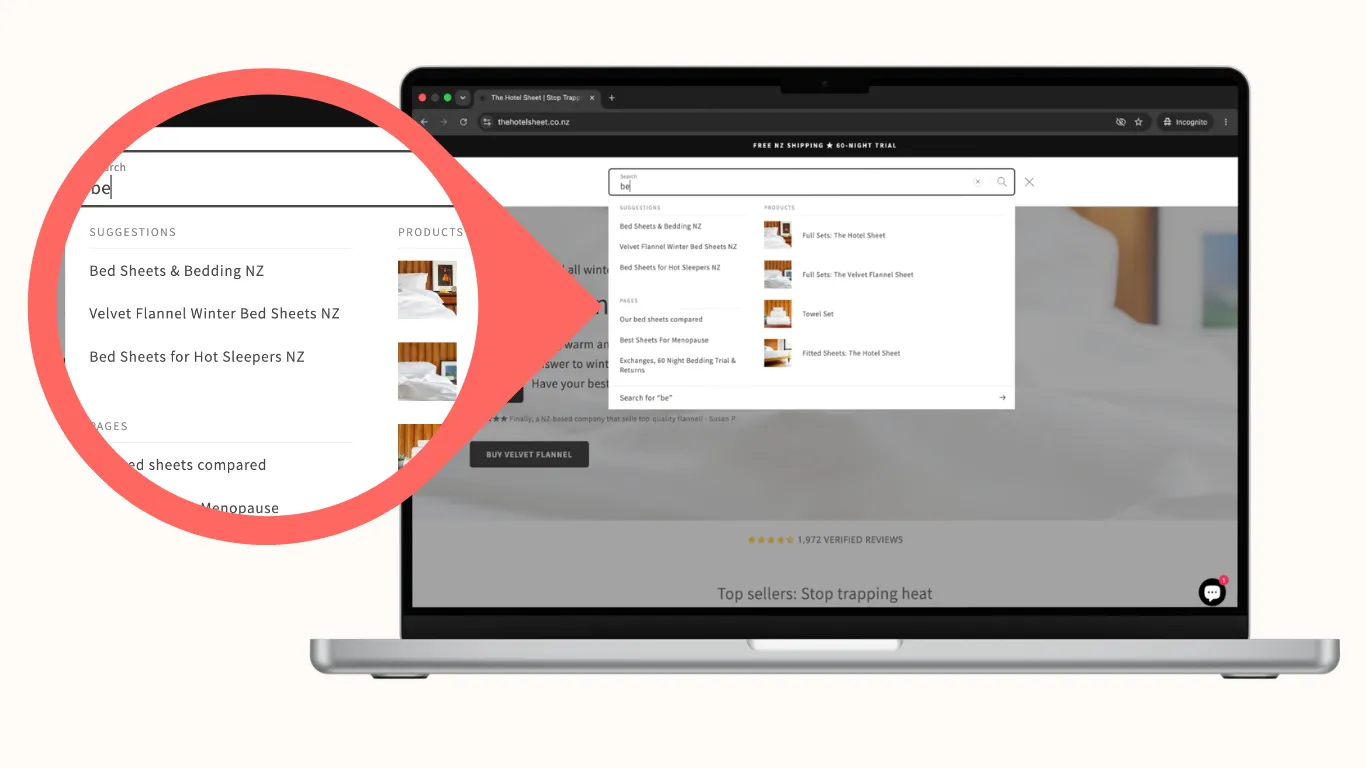 See an example of a good site search on The Hotel Sheet
12. Reduce app clutter and visual noise
Pop-ups stacked on banners stacked on sticky widgets create decision paralysis. Each element competes for attention and slows the page. Keep one clear primary action per screen.
Where to start
Don’t reskin the whole store. Start at checkout because it’s the highest-intent, highest-leverage moment, and make these changes:
- Remove the navigation
- Show a progress bar
- Add trust badges
- Allow guest checkout
They tend to produce the fastest measurable gains. Then work back up to product, collection, and homepage.
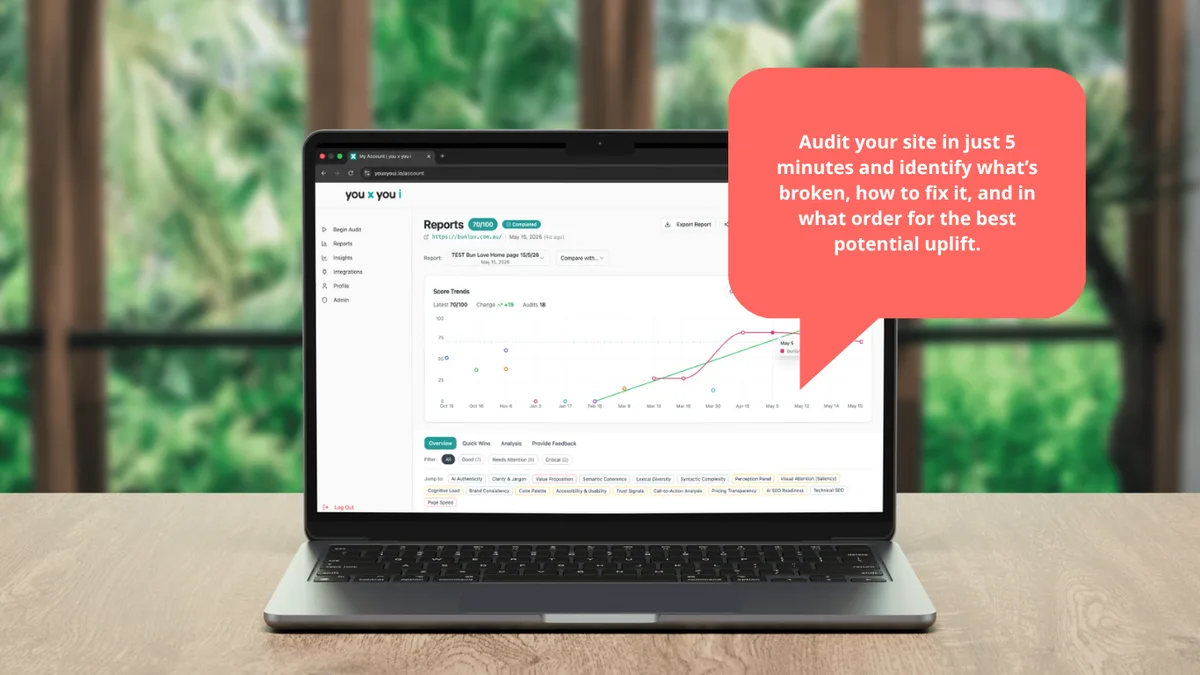
Not sure which UX issue is costing your store the most? Run a site check-up, and we’ll flag the friction points before they cost you another sale.
Related reading: Website UX & Usability