Your Website Is AI-Ready. Is Your Business?
By Erin Belliston, Founder of Ponderosa Gold AI Consultant & Strategic Advisor ·
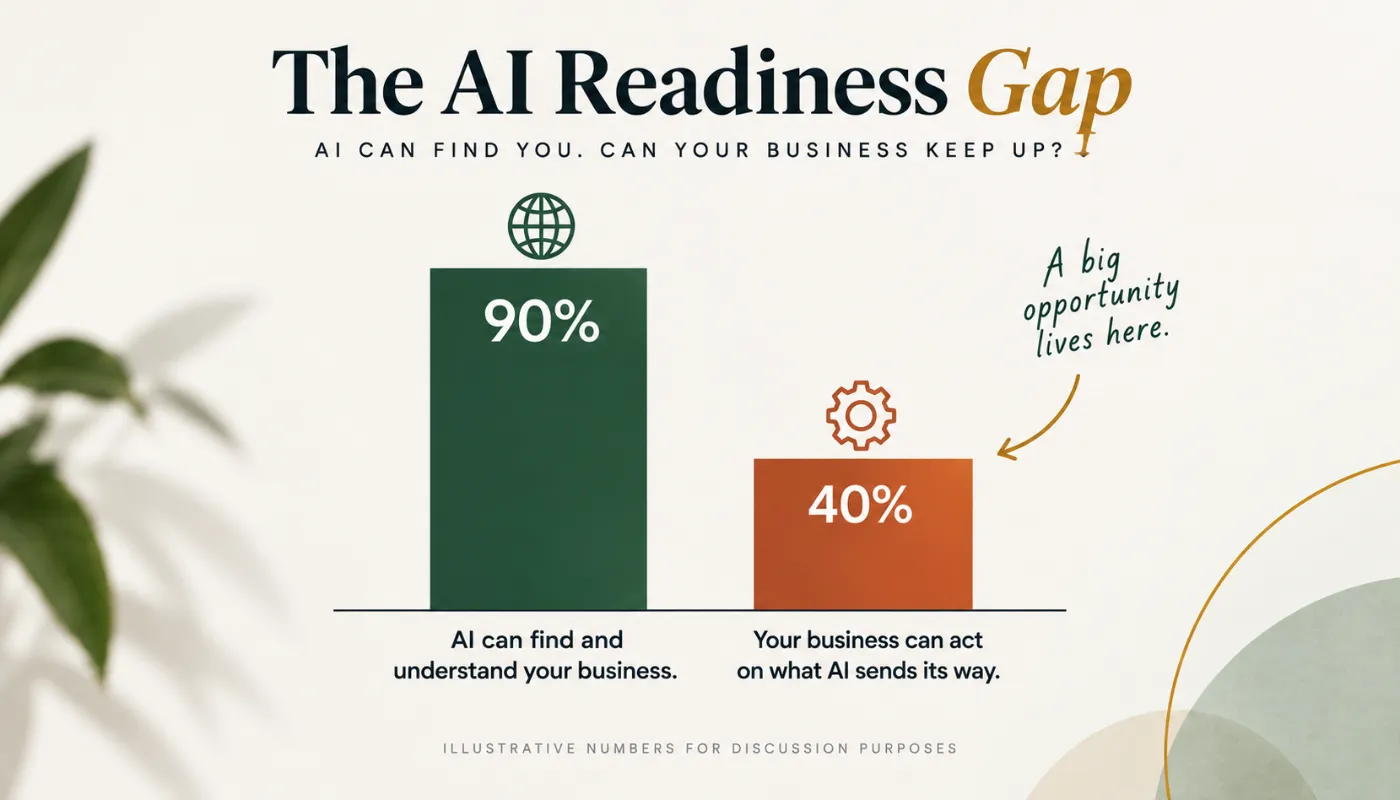
Businesses are starting to realize that their websites need to work for more than just people. As AI becomes part of how customers search, research, and make decisions, your website also needs to be structured in a way that AI can understand your business and confidently recommend it.
But getting your website AI-ready is only part of the picture.
What happens when you bring AI inside your business?
This is where I see many small businesses get stuck. They know AI is important. They know they should be doing something with it. So they start experimenting with ChatGPT, Claude, automations, agents, etc.
And then…very little changes.
Usually, the problem isn’t the AI. It’s that we’re starting with the technology instead of the business.
AI readiness starts before the tool
Before deciding which AI tools to use, remember at its most powerful, AI is an intelligence layer that runs beneath the whole business. Like the electrical grid of a city connects everything together.
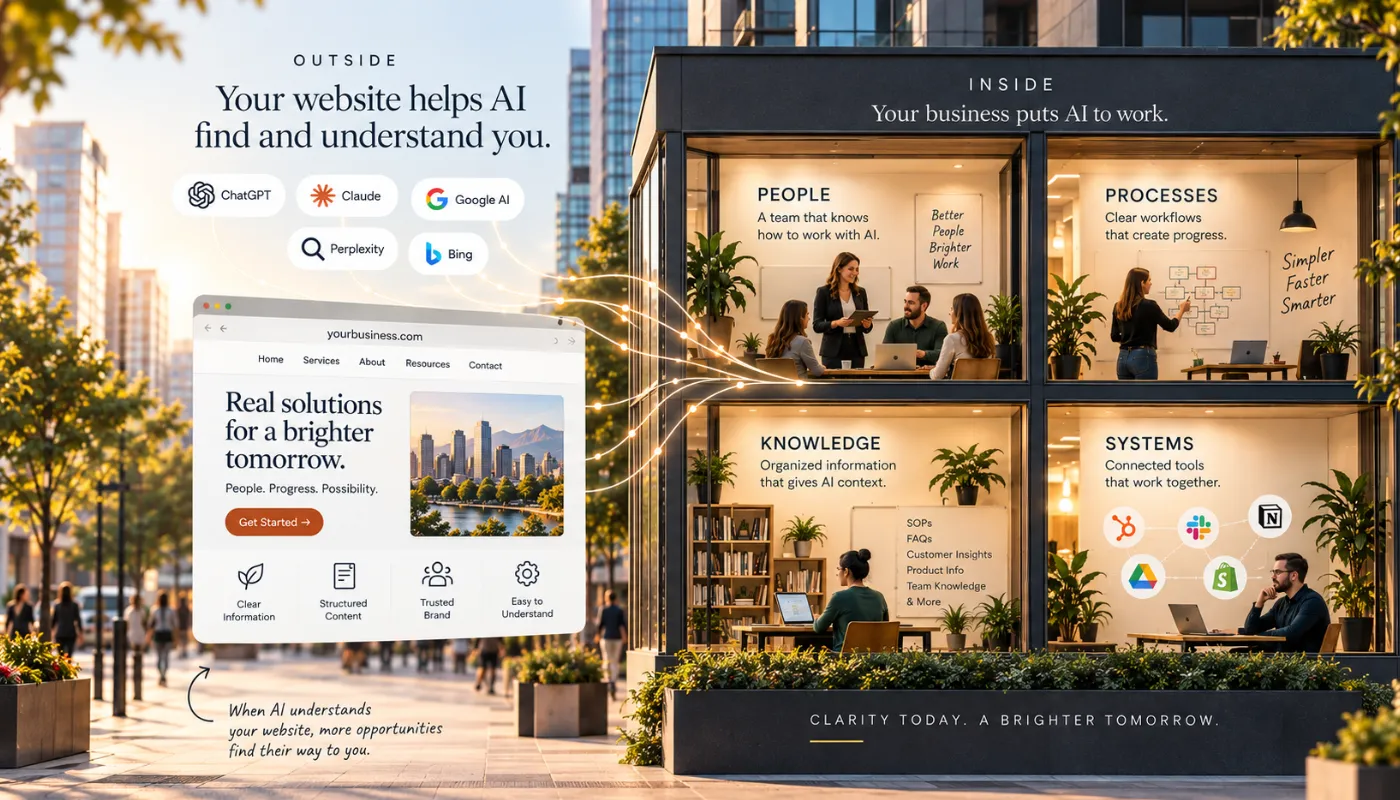
There are four areas every business should think about:
- People: Does your team understand where AI can help, where human judgment still matters, and how the two can work together?
- Processes: Do you understand how work actually moves through your business? If a process is already confusing or inefficient, automating it can simply make the confusion happen faster.
- Knowledge: Is the information AI needs scattered across documents, inboxes, people’s heads, and disconnected systems? AI becomes much more useful when it has the right business context.
- Systems: Can your existing technology support AI and automation, or are you adding another disconnected tool to an already complicated tech stack?
Skip these steps and jump straight to buying tools, and you’re not alone. Most AI implementations that stall aren’t failing because of the technology. It’s because the business underneath wasn’t ready.
The goal isn’t to automate everything.
The goal is to remove unnecessary friction and repetitive work so your people have more time and capacity for the things humans do best: building relationships, solving problems, creating, and leading.
Ask a better question
Instead of starting with, “What AI should we be using?”
I encourage you to ask, “Where is the friction in our business, and where could AI meaningfully improve it?”
Look for:
- repetitive work
- bottlenecks
- information gaps
- frustrating customer experiences
- tasks consuming more human time than they should
Then determine whether AI is actually the right solution.
An AI-ready website helps AI understand your business from the outside. An AI-ready organization creates the clarity, context, processes, and systems that allow AI to become genuinely useful on the inside.
Because being AI-ready isn’t about having the most AI.
It’s about knowing where AI can actually make a difference and keeping humans at the center while you put it to work.
If you’re trying to figure out the next right step for AI in your business, let’s have a conversation. Sometimes a little clarity is all you need to know where to go next.

Erin Belliston is a human-first AI strategist and founder of Ponderosa Gold. She helps founder-led businesses identify where AI can save time, improve operations, and support growth, then turns those opportunities into a practical roadmap that makes AI easier to understand, prioritize, and implement.
Website: ponderosagold.com
LinkedIn: www.linkedin.com/in/erinbelliston
Instagram: @bellistonerin