Organic Traffic with Low Conversions: What It Means
By Emma Pugsley, Co-founder ·
Short answer: if you’re getting organic traffic but few sales, you don’t have a traffic problem. You have a match problem. Either the wrong people are finding you, or the right people are landing on a page that doesn’t give them what they came for. More SEO won’t fix either one. It just sends more of the wrong visitors, faster.
The frustrating part is that it all looks like progress. Impressions are up, rankings are up, the traffic graph points the right way. The store looks fine. It just isn’t selling.
First, know what “low” actually means
Before you panic, check your number against a realistic benchmark. Organic search converts at roughly 2.7–2.8% for ecommerce, higher than paid social and roughly level with paid search. For most stores overall, 2–3% is good, and anything below 1% almost always points to a specific, fixable problem.
So:
- Organic converting at 2%+: you’re roughly normal. Optimise, don’t overhaul
- Organic at 1–2%: there’s a leak worth finding
- Organic under 1%: something specific is broken. This guide is for you.
Cause 1: Your tracking is lying to you
Rule this out first, because it’s the cheapest fix. Disagreement between GA4 and Search Console is the most common false alarm in ecommerce traffic diagnosis.
Check that:
- Purchases are actually firing as conversions in GA4
- Shopify’s checkout is passing data back properly (consent banners and checkout changes often break this)
- You’re comparing like for like: sessions, not users, across the same date range.
If your tracking is broken, you might not have a conversion problem at all.
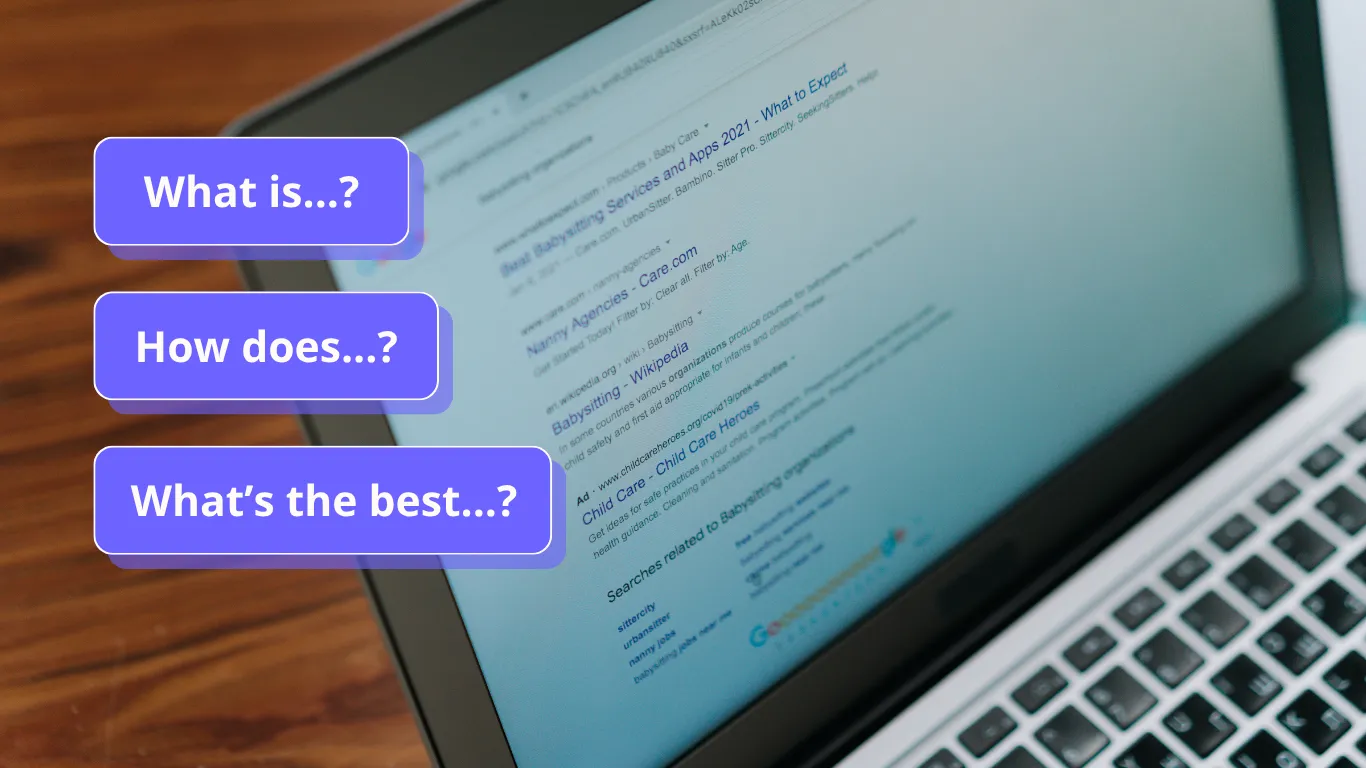
Cause 2: You’re ranking for the wrong searches
This is the most common real cause, and the one owners least expect. Open Search Console, go to Performance → Queries, and look at what people actually typed to find you.
You’ll often find you’re getting impressions or clicks for:
- Research searches (“what is…”, “how does…”) from people nowhere near buying
- Adjacent topics that share words with your products, but not the intent
- Competitor or brand names you happen to mention.
These visitors were never going to buy. They inflate your traffic and drag your conversion rate down. Ranking for them isn’t a failure, but they shouldn’t be judged by the same conversion standard as visitors searching for your products.
Cause 3: The page answers the wrong question
Here’s the subtle one. A page can target exactly the right keyword and still convert poorly because it doesn’t match the intent behind the search. Pages that rank on page one but convert below 1% often don’t have a conversion rate problem at all. They have a classification problem: the page answers the wrong type of question for the person searching.
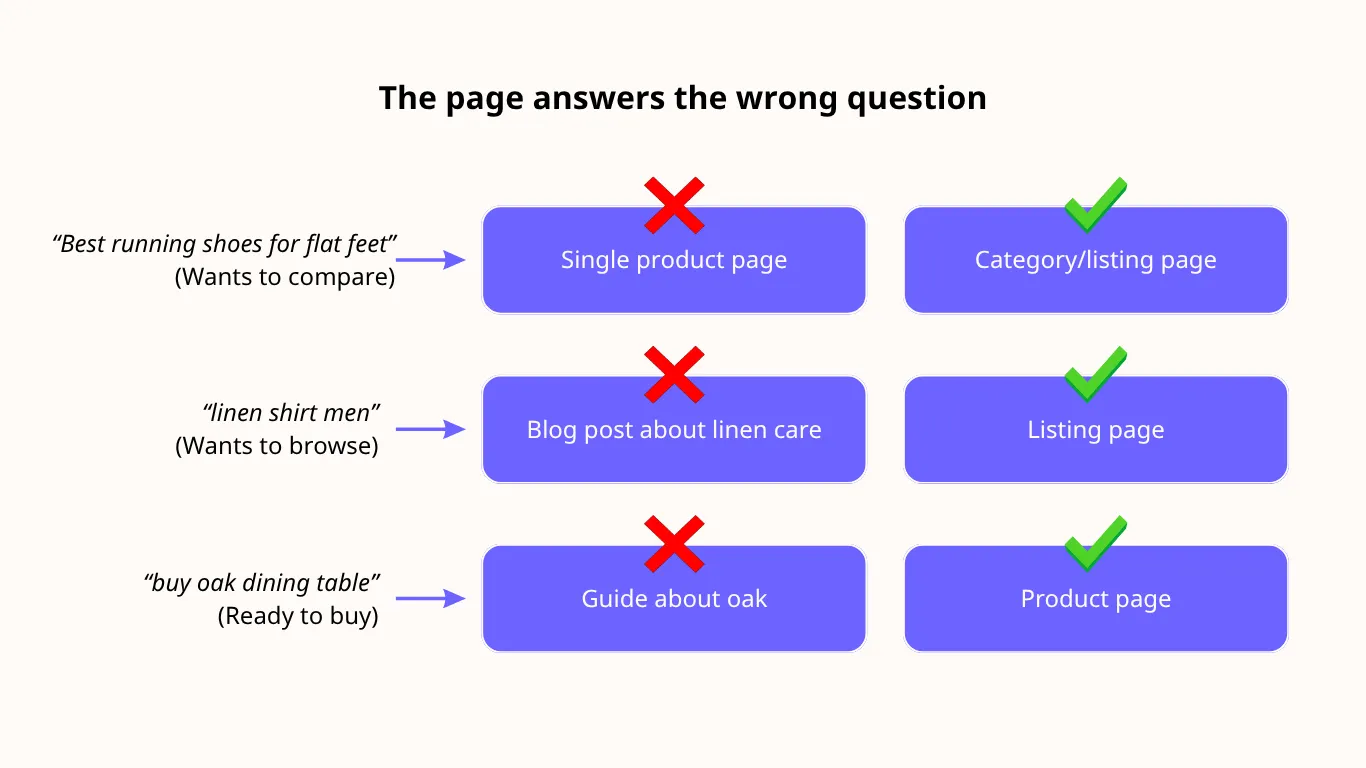
Examples:
- Someone searches “best running shoes for flat feet” (wants to compare) and lands on a single product page (wants them to buy one now)
- Someone searches “linen shirt men” (wants to browse) and lands on a blog post about linen care
- Someone searches “buy oak dining table” (ready to buy) and lands on a 2,000-word guide with the products buried at the bottom.
The fix starts with the search results, not your page. Google the keyword yourself and look at what ranks: product pages, category pages, comparisons, or guides. Whatever format dominates is what searchers want. If your page is a different format, that’s your mismatch.
Cause 4: Friction between the click and the checkout
If the right people are landing on the right page and still not buying, now it’s a conversion problem. The usual culprits are a confusing buying path, missing trust signals, weak product pages, technical issues, and unexpected delivery costs.
To find where it breaks, look at your funnel in your analytics tool:
- How many visitors view at least one product?
- How many of those add to cart?
- How many of those reach checkout?
- How many of those buy?
The steepest drop is your leak. If organic visitors land on blog posts and never reach a product, you’ve got a linking problem. If they add to cart and leave, it’s checkout.
How to diagnose yours in 30 minutes
- Check tracking. Confirm purchases fire in GA4 and match Shopify (or other store analytics) orders for the same week
- Pull your top 20 organic landing pages and their conversion rates
- For the worst five, check the queries sending them traffic in Search Console. Buying intent or research intent?
- Google the top query for each and compare the format of what ranks against your page
- For pages with buying intent and the right format, walk the funnel on your phone and note every point you hesitate.
You’ll usually find one or two pages doing most of the damage.
What to fix first
- Research traffic landing on blog posts: don’t force a sale. Add clear links to the relevant collection, a soft email capture, or a “not sure what you need?” prompt. Judge these pages on next-click rate, not purchases
- Format mismatch: rebuild the page to match what ranks. A comparison search needs a comparison page. A browse search needs a category page
- Right page, wrong experience: fix the biggest funnel drop first. Usually product page clarity, delivery costs shown too late, or checkout friction.
The bottom line
Organic traffic that doesn’t convert isn’t wasted. It’s a signal. It tells you exactly where your site and your searchers disagree. Find that gap and fix it, and the traffic you already have starts paying for itself.
Want someone to find the gap for you? Start a website audit. We’ll match your organic landing pages to the searches sending them traffic, flag the intent mismatches and funnel leaks, and tell you which one to fix first.